Artist view in mobile app
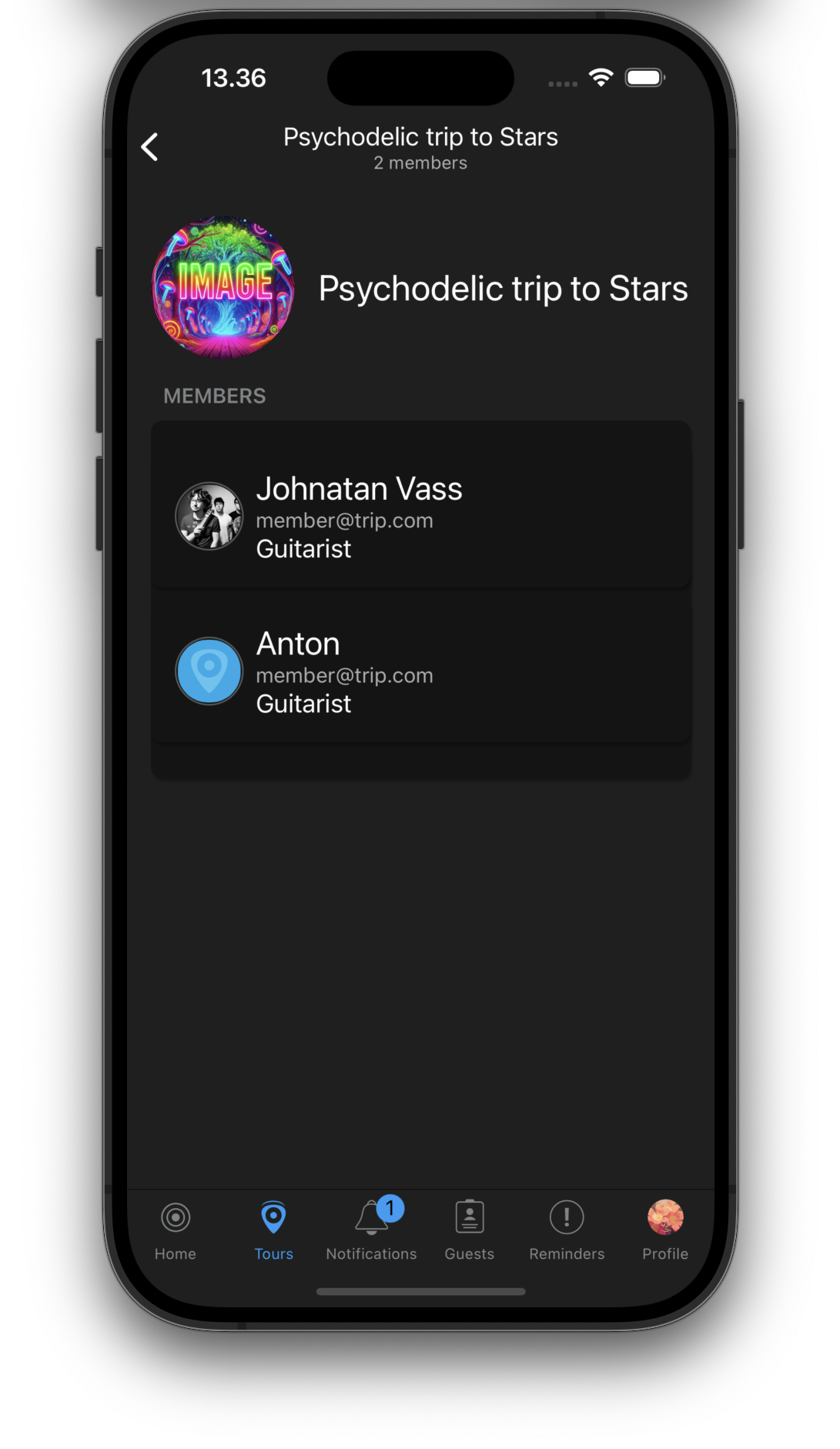
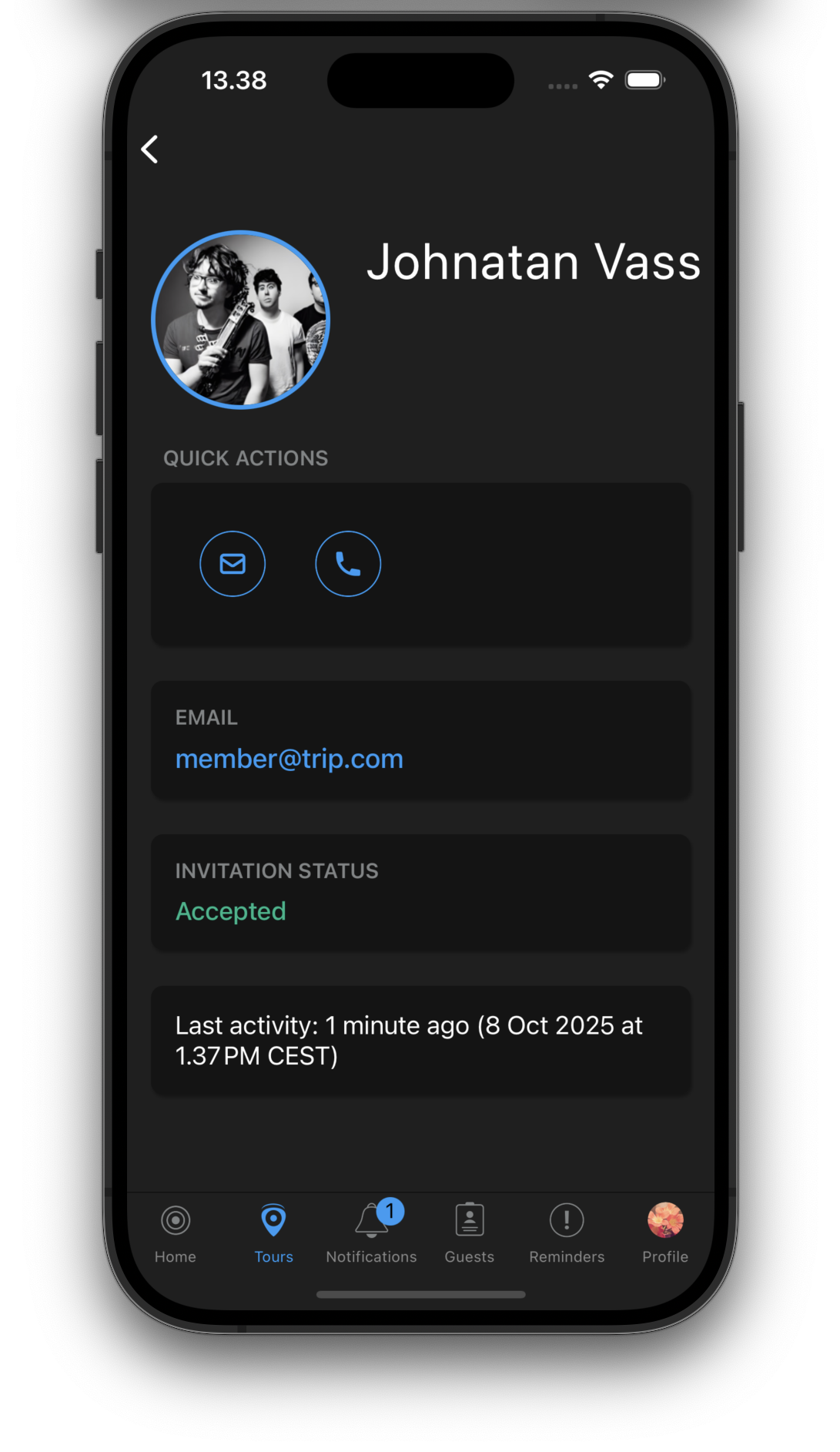
The mobile app now includes a dedicated artist view where you can see all artist information, members, and their work roles at a glance. This makes it easy to quickly reference who’s who on tour.

The mobile app now includes a dedicated artist view where you can see all artist information, members, and their work roles at a glance. This makes it easy to quickly reference who’s who on tour.

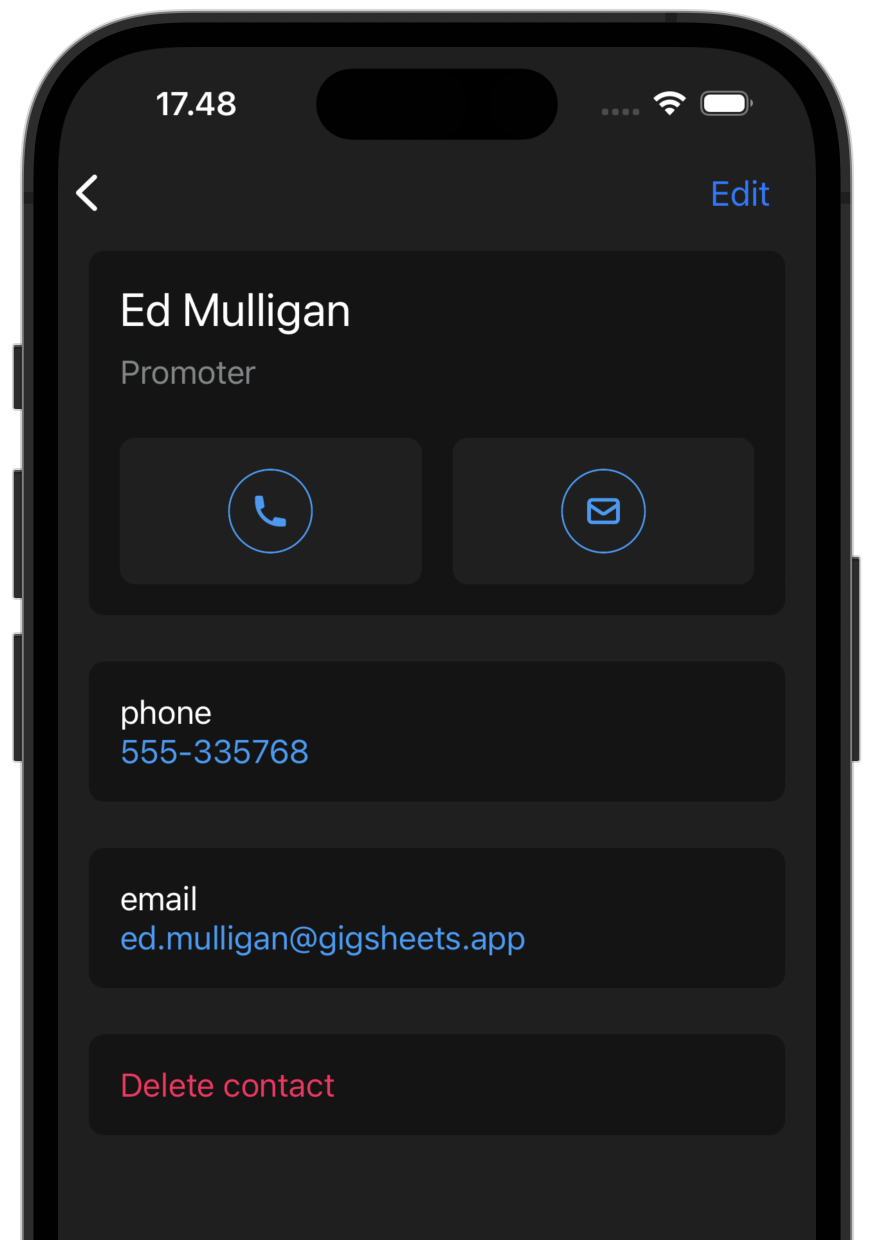
We’ve added a new contact view in the mobile app. Browse all contacts across venues, artists, and tour staff in one place. Tap to call, email, or message directly from the app.

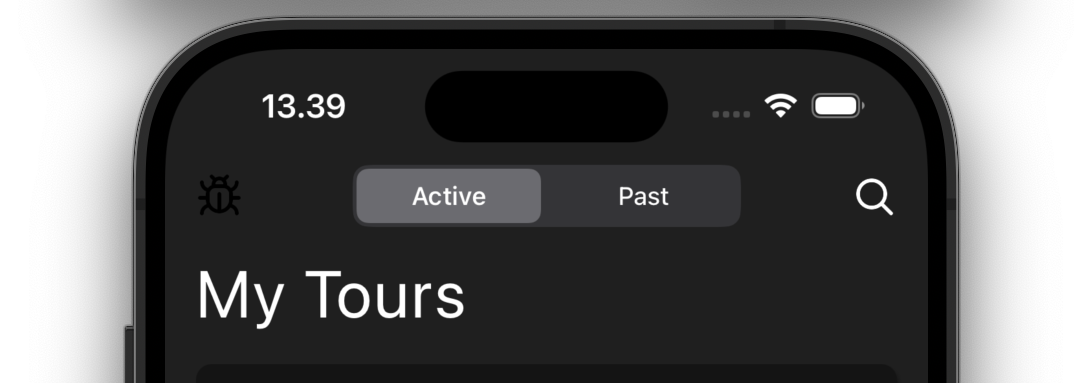
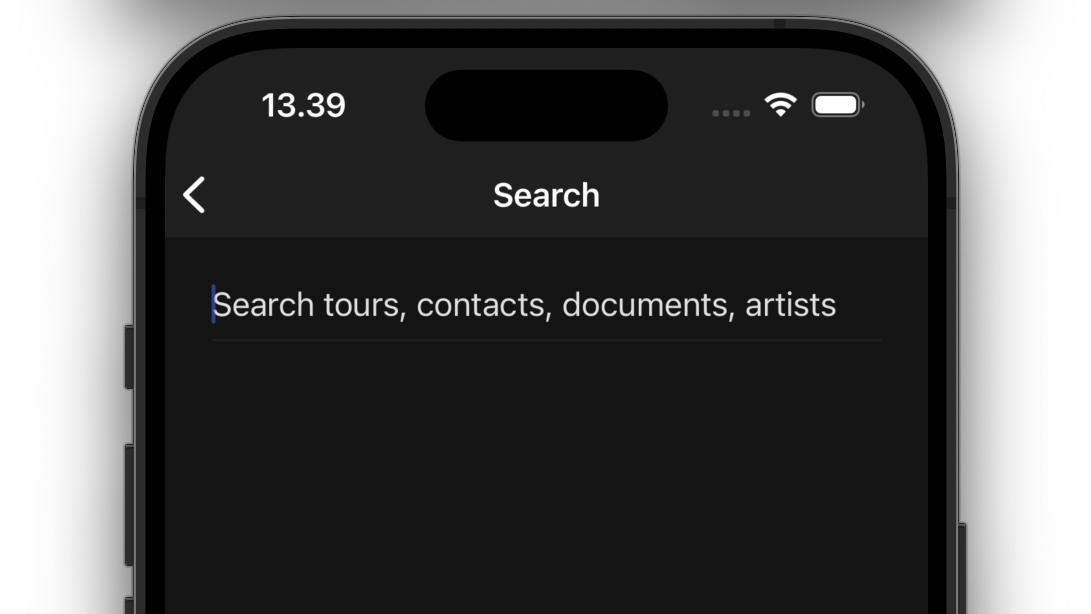
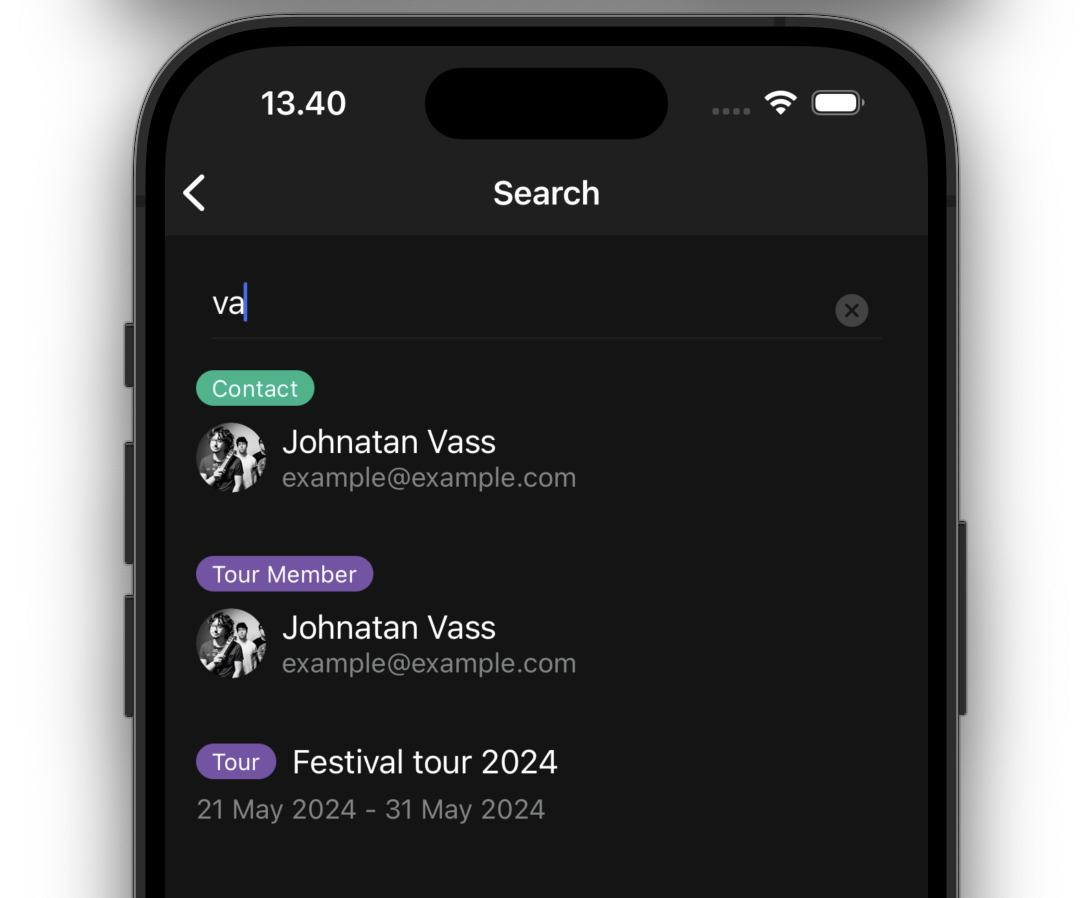
Finding information on the go is now easier with the new search feature in the mobile app. Search across tours, contacts, documents, and artists to quickly find what you need.

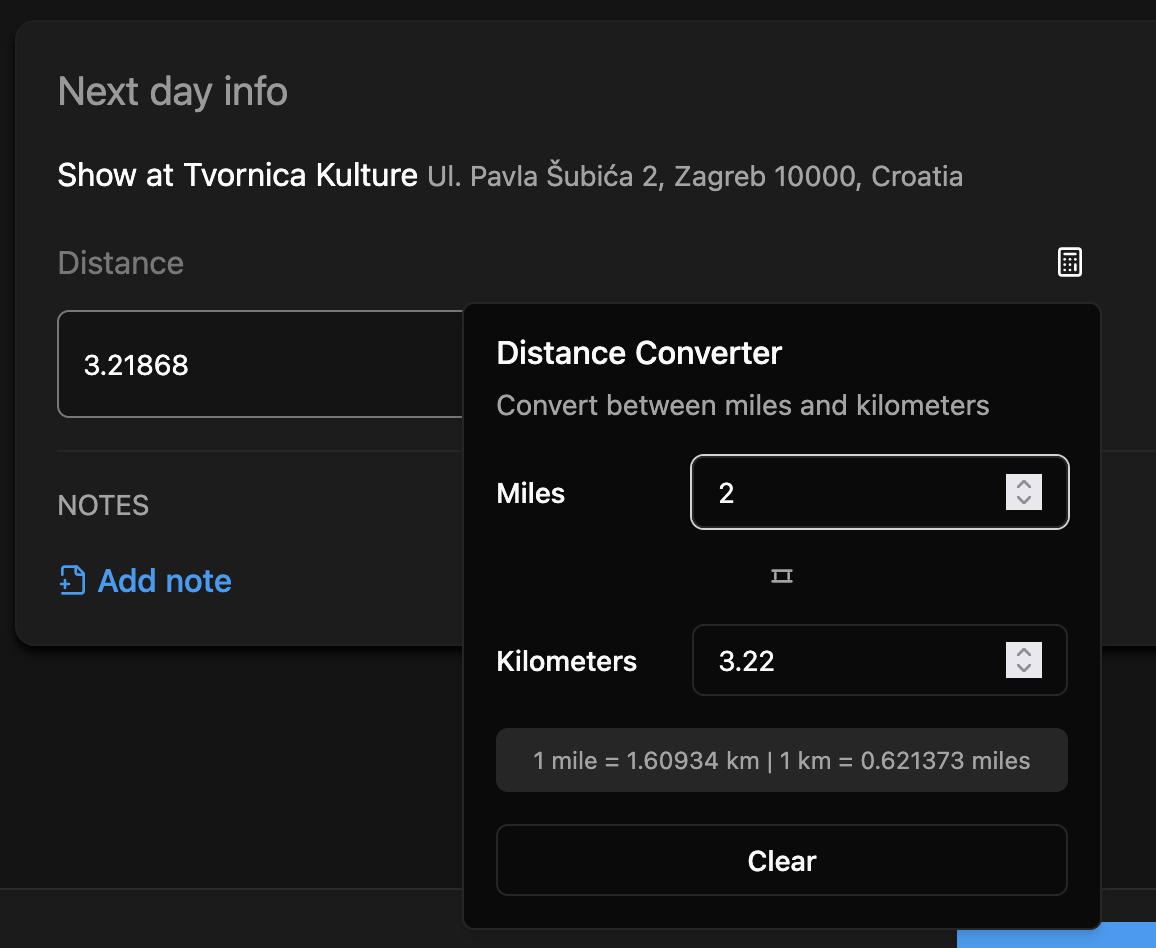
The next show section now includes automatic distance conversion between miles and kilometers. Set your preference once, and all distances will be displayed in your preferred unit.

You can now add and manage guests for each show day directly in the web admin.
Assign specific work roles to artist members both in the artist details and throughout the tour. This makes it clear who does what, whether they’re a musician, technician, or crew member.
Work roles are now visible throughout the app and can be edited at both the artist level and tour level.
We’ve added a powerful search feature to the web admin. Search across all your tours, venues, daysheets, and contacts. Press Ctrl+K (or Cmd+K on Mac) to quickly access search from anywhere.

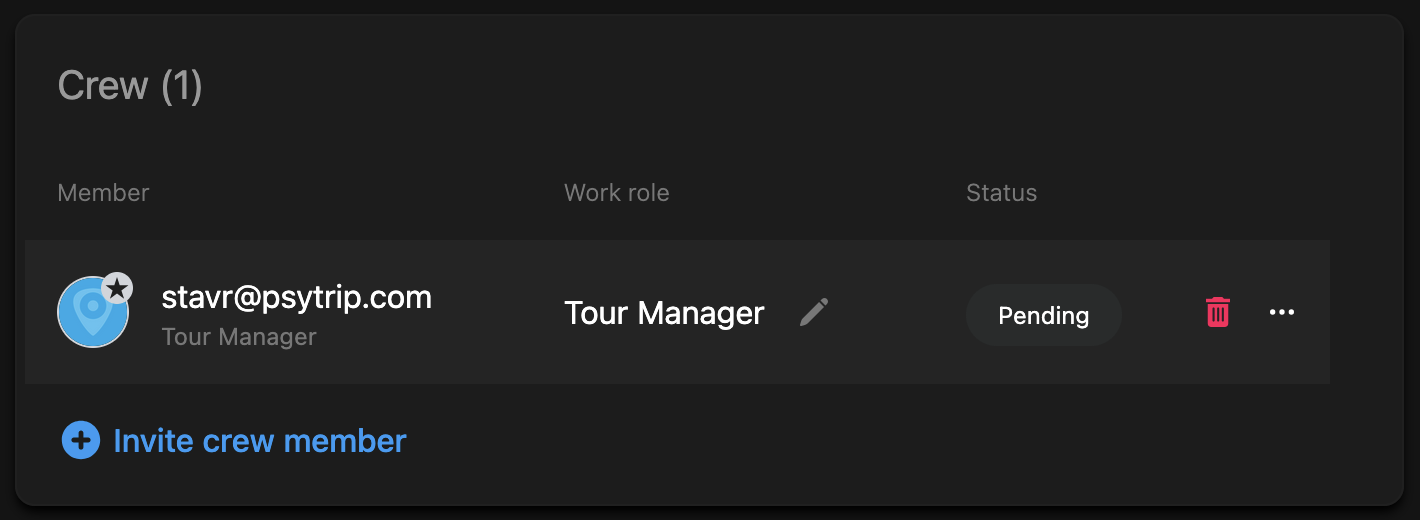
Tours can now have multiple tour managers. Add additional tour managers to share administrative responsibilities and ensure everyone has the access they need.

Venue details now include a dedicated section for merchandise guidelines.
We have rebuilt travel template with a new look. Instead of having just a single from/to travel plan, you can build itinerary from multiple travel segments. Each segment can have a different mode of transport, duration, distance, etc. You can also add notes and stopovers to each segment.
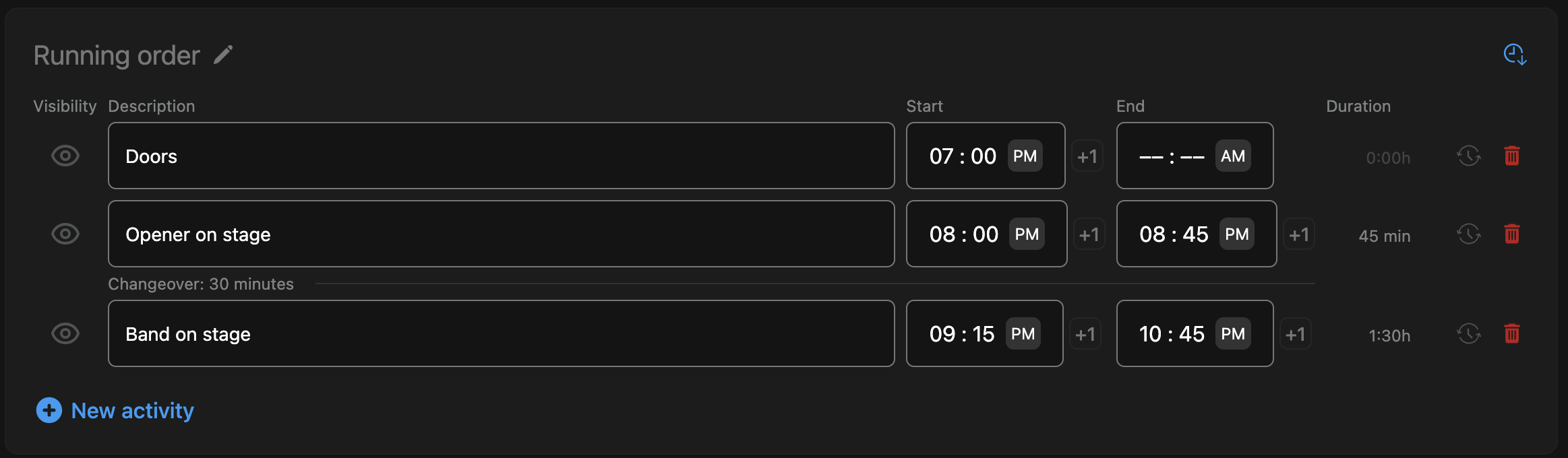
When there are gaps in the activities section, the app will now automatically add changeover times. No need to manually add them!

It is also available in the mobile app as well as in the printed daysheet.

The next show info section is now consistently on the bottom of the daysheet. This makes it easier to find and edit.
You can now print showday sheets. This is useful when you are on tour and need to print out a daysheet for a venue.
You can now upload multiple files at once. This is useful when you are uploading images for a venue, artist or tour.
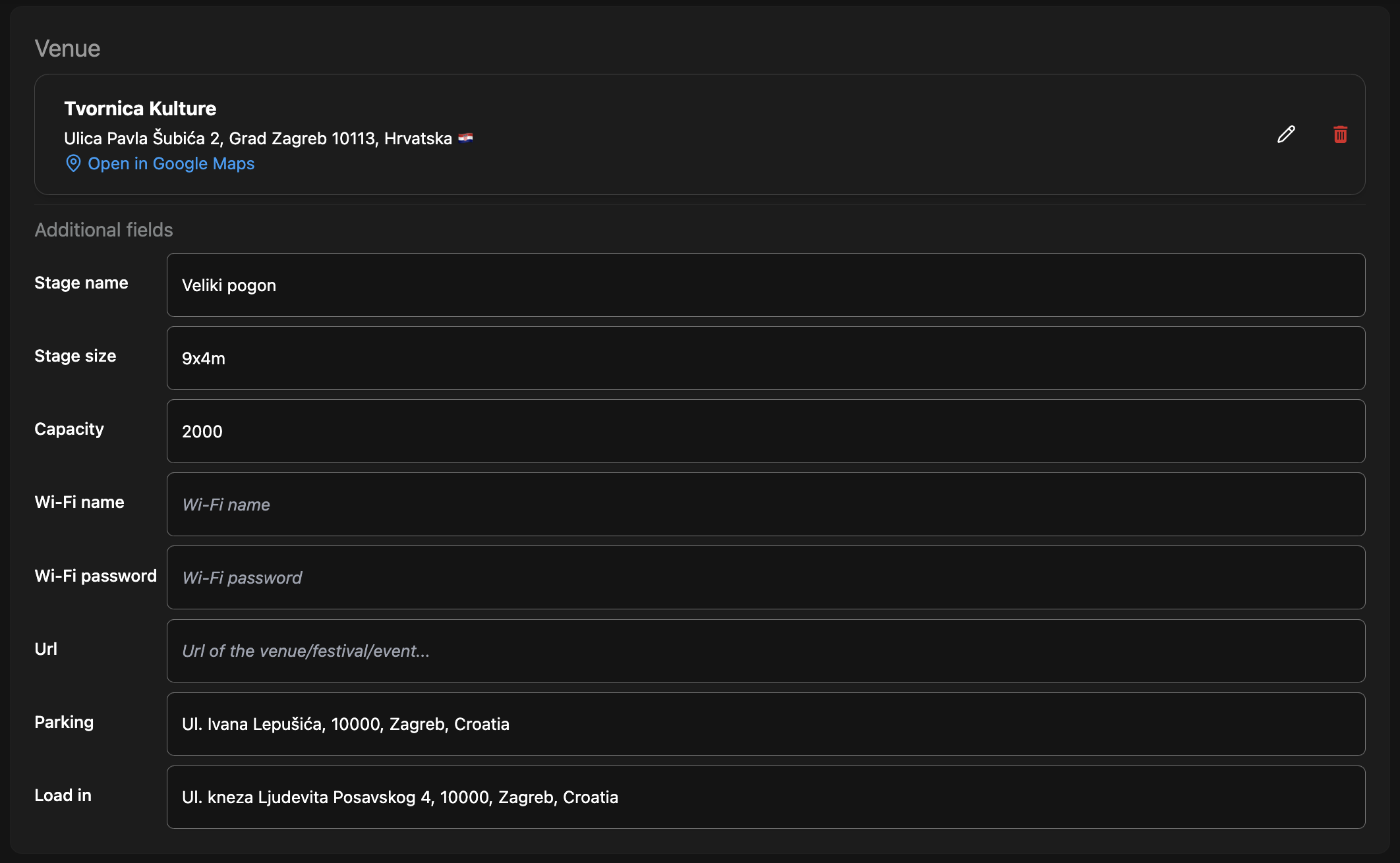
You can now add more information to the venue details. This includes:

You can edit the new information in the venue details section on both web and mobile.
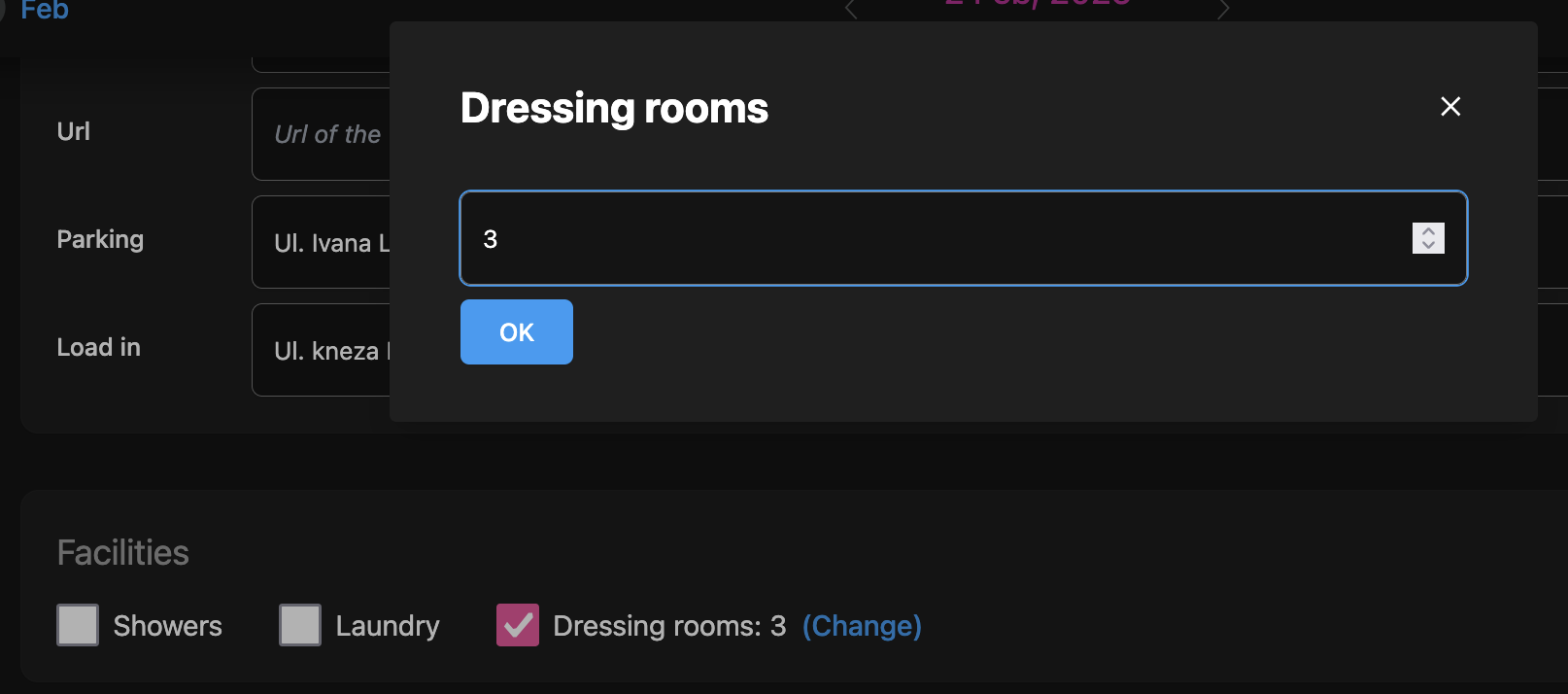
If the venue has dressing rooms, you can add them in the venue details section.

We have added three new enhancements to the show day sheet:
Venue contacts are a list of people you can contact at the venue. Stage size is the size of the stage at the venue. This now complements the existing stage name and capacity.
Facilities are any extra facilities available at the venue. Currently it only has two options: showers and laundry. Expect more options in the future. Editing contacts is simple: just tap on the contacts button and create or edit contacts.
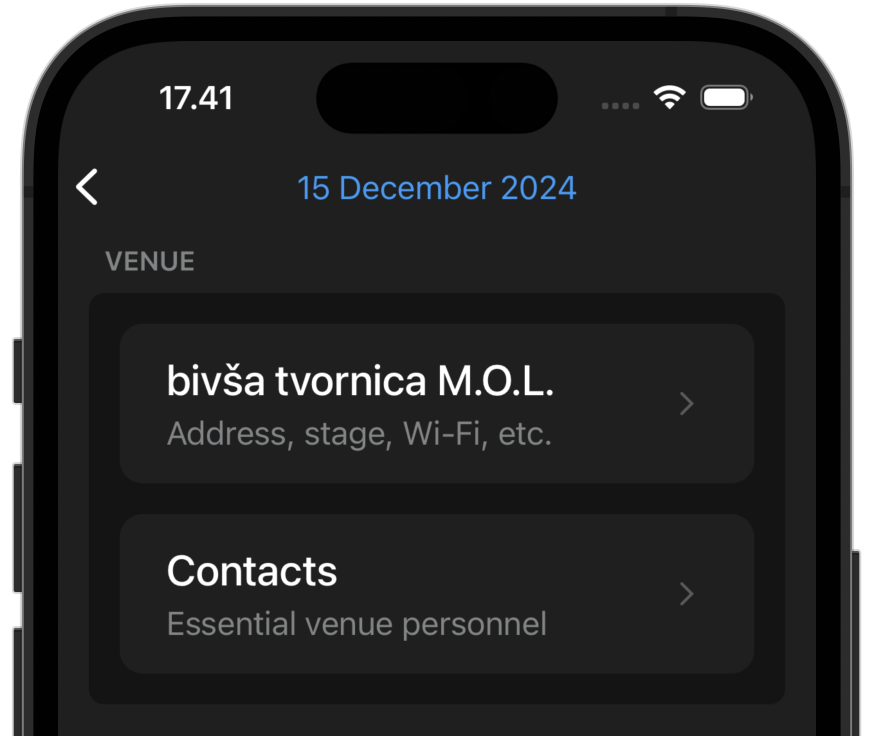
The following fields are available for each contact:

Here is how it will look in the daysheet:

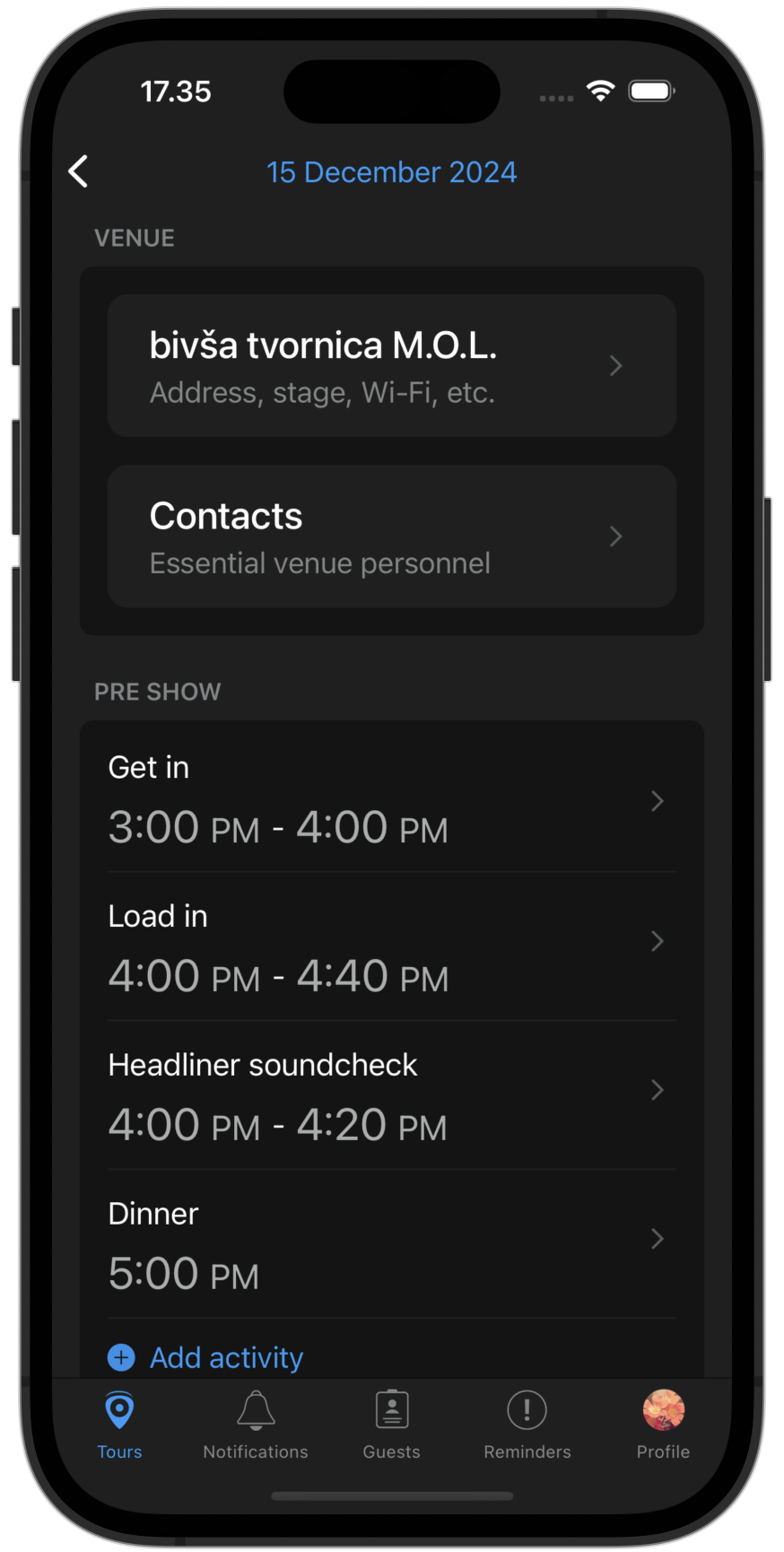
When you are on the road, updating information should be quick and simple. To avoid going to the web app, you can now edit daysheets in the mobile app. Currently, you can edit the following sections:

Editing show day sheets has never been easier. Simply tap on any section to edit.
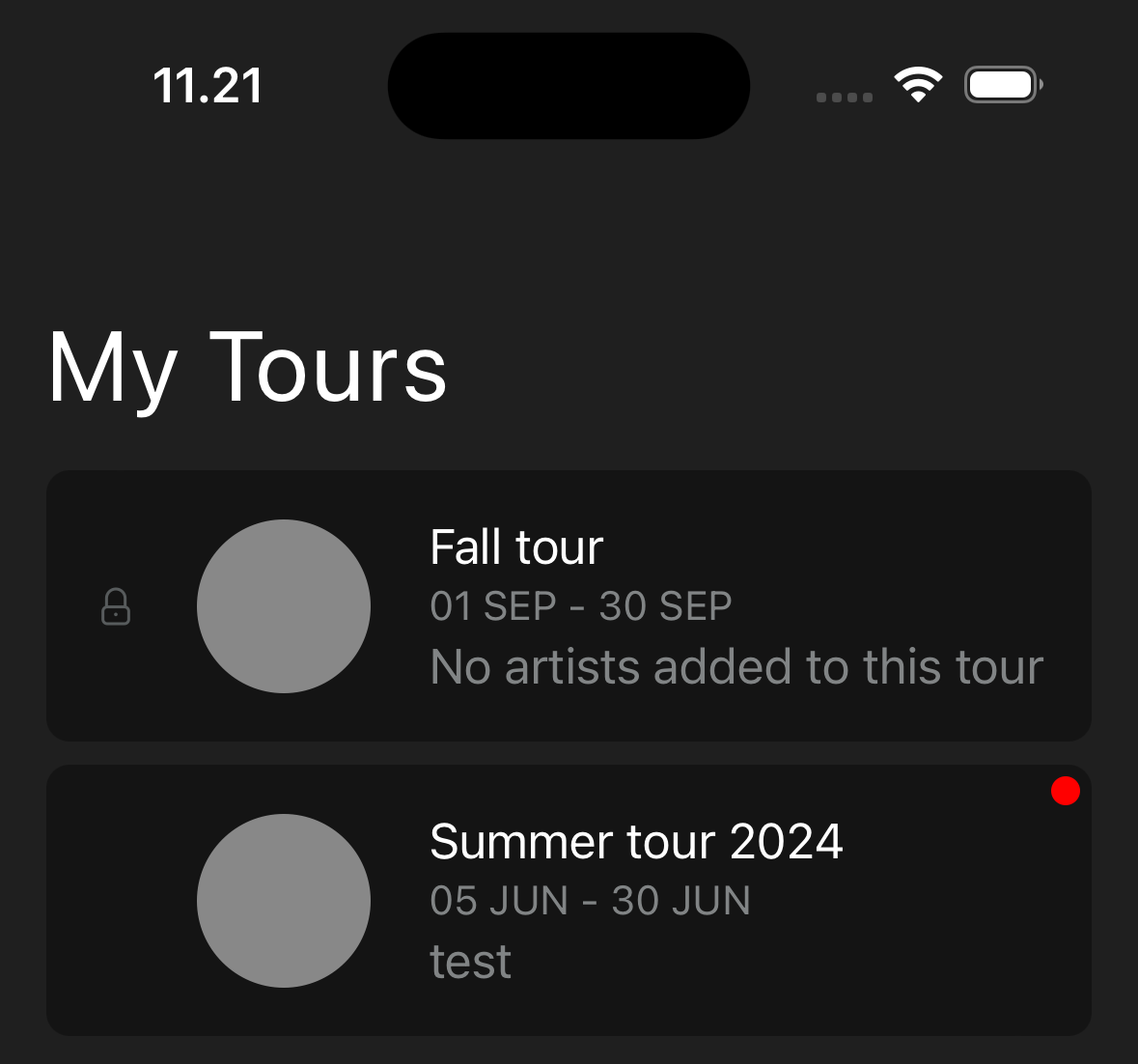
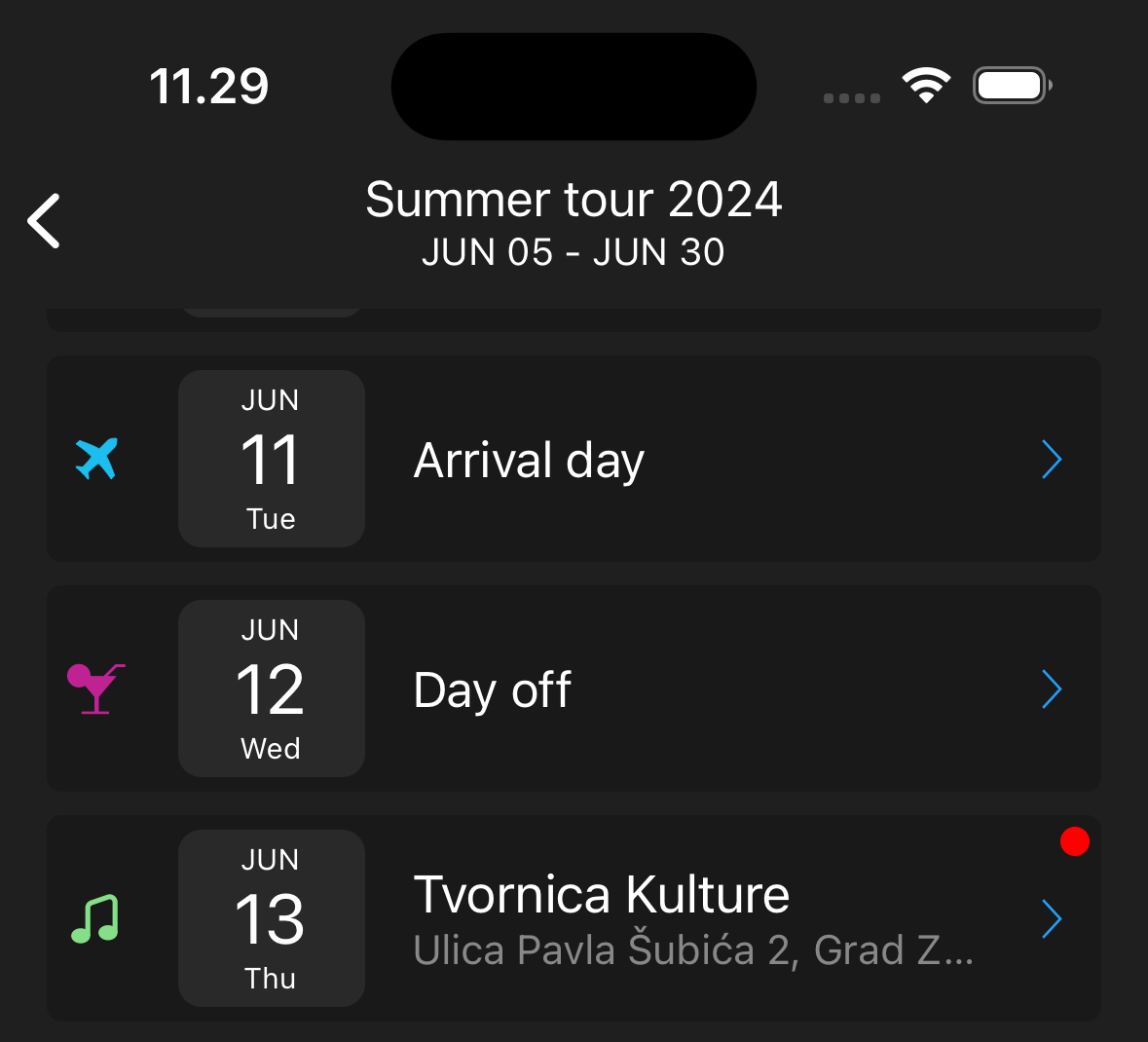
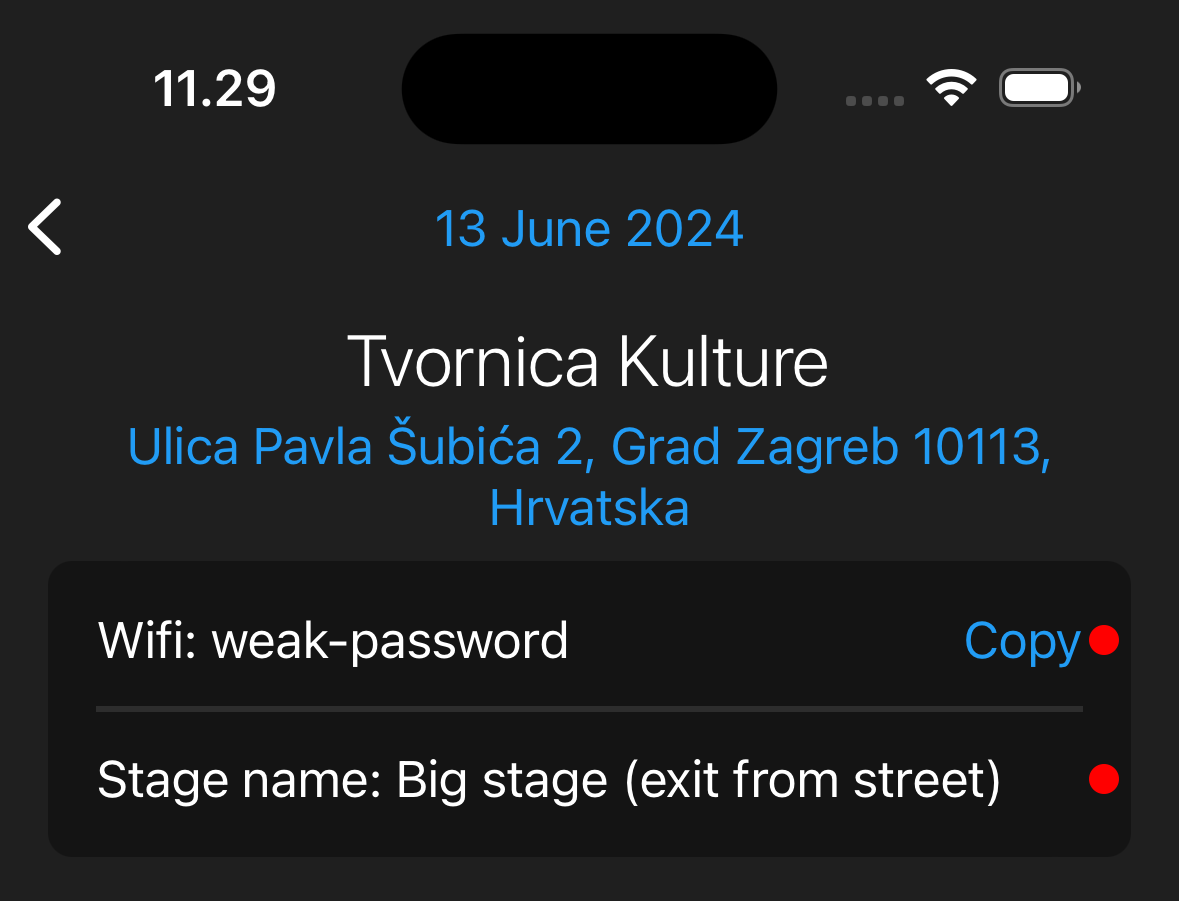
When you are on tour, knowing what has changed is important. When a daysheet has changed since the last time you opened it in the app, you will now see an indicator in both the tour and the daysheet. This will make it easy to locate a change in the daysheet.